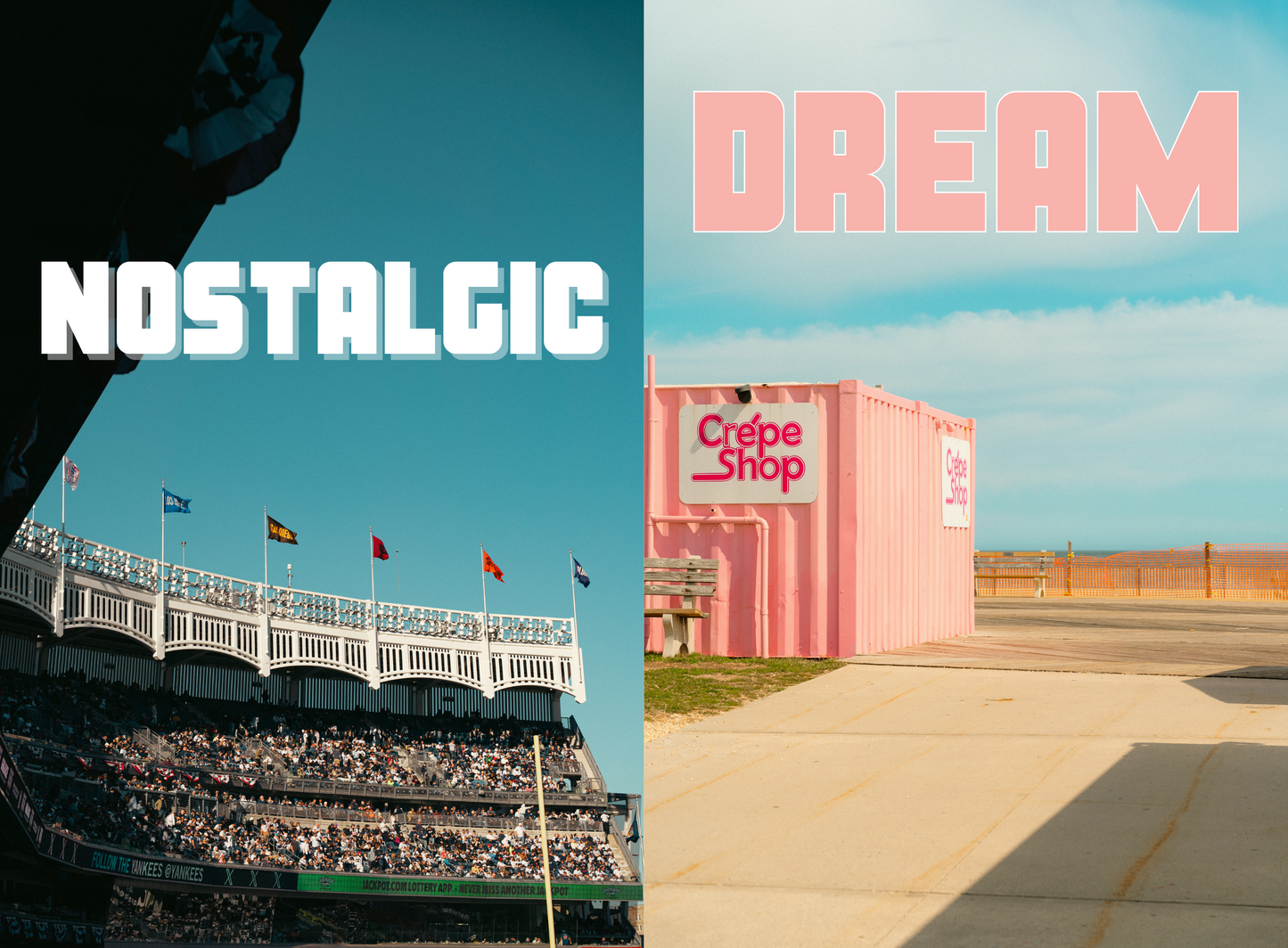
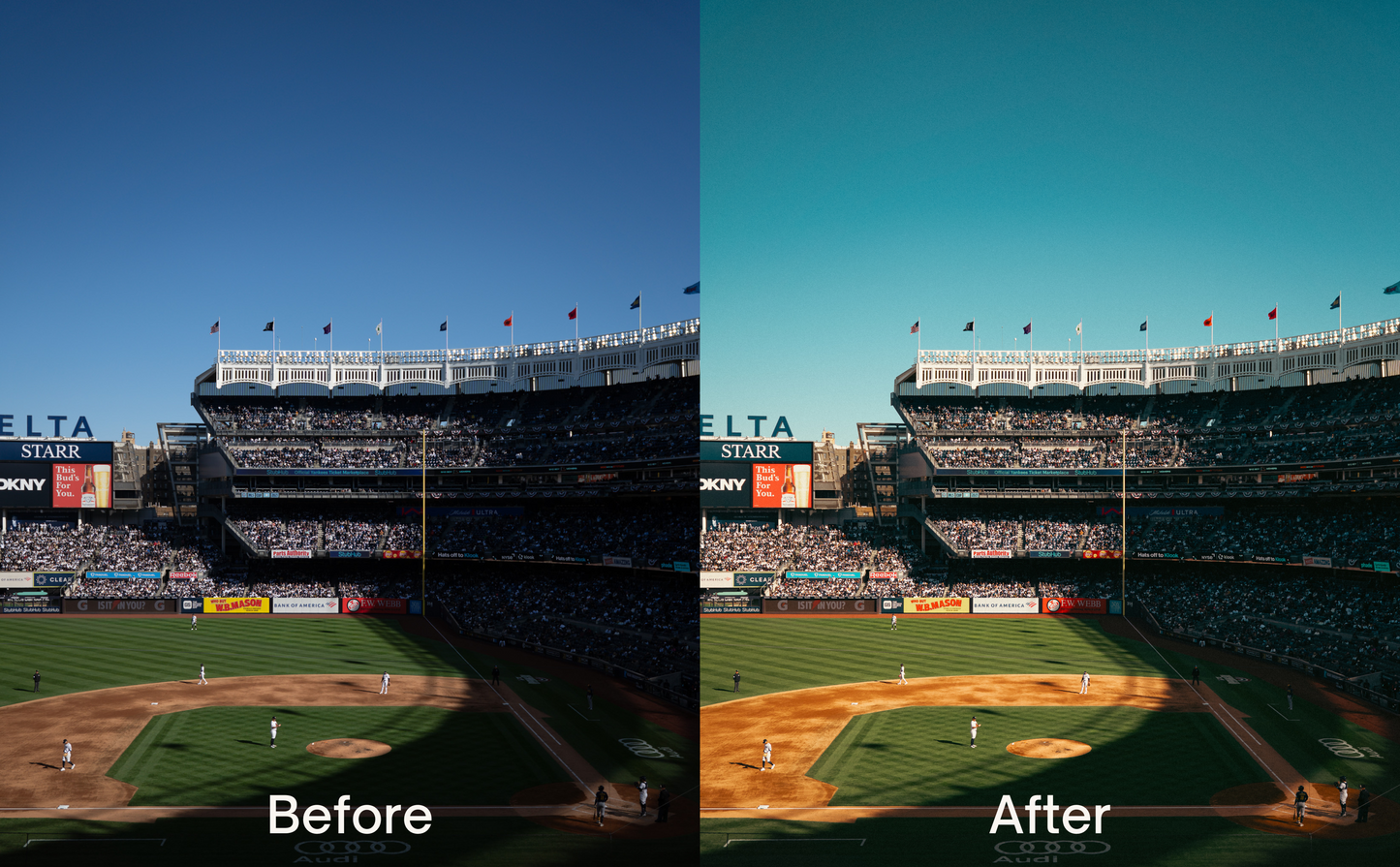
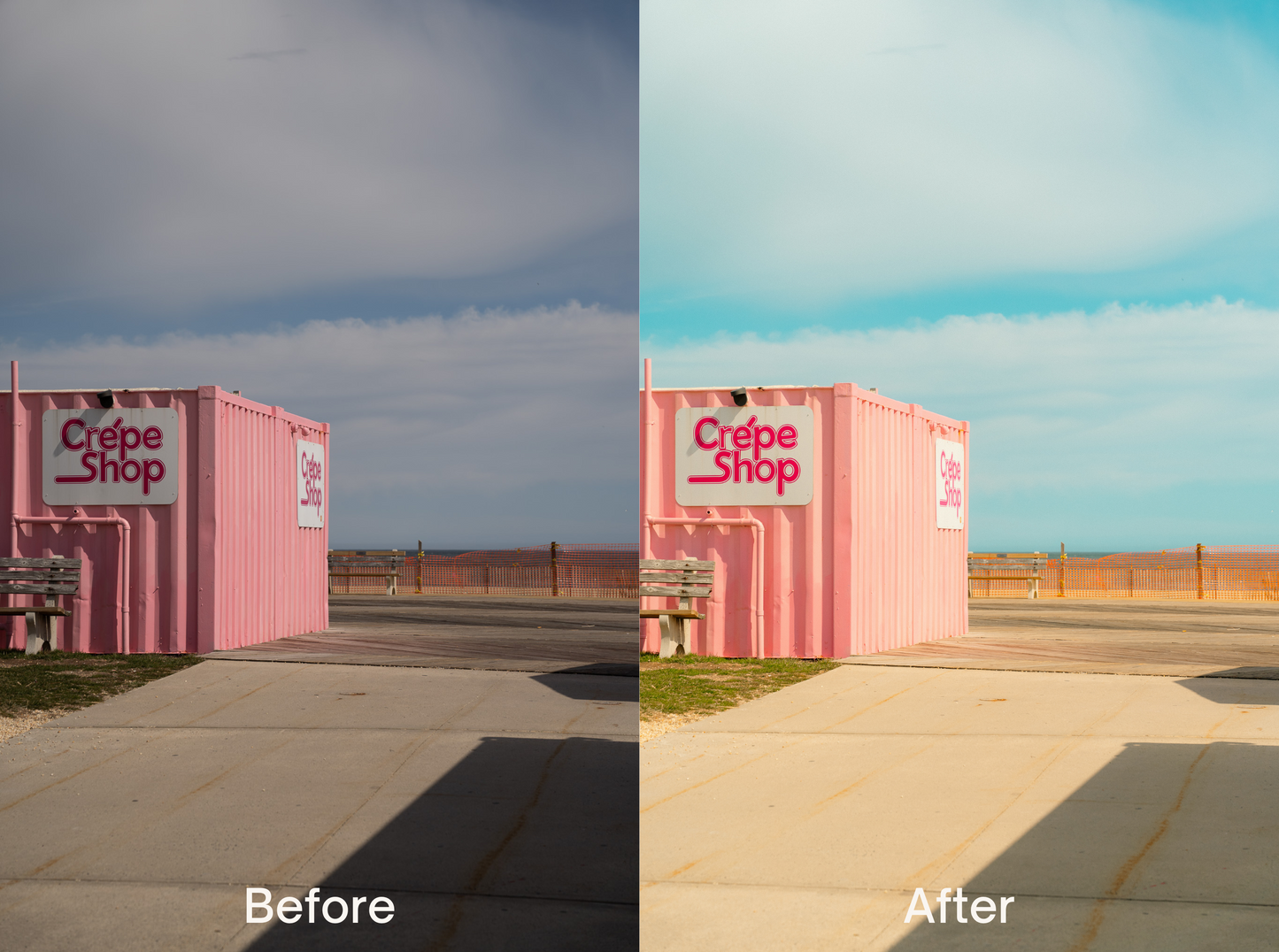
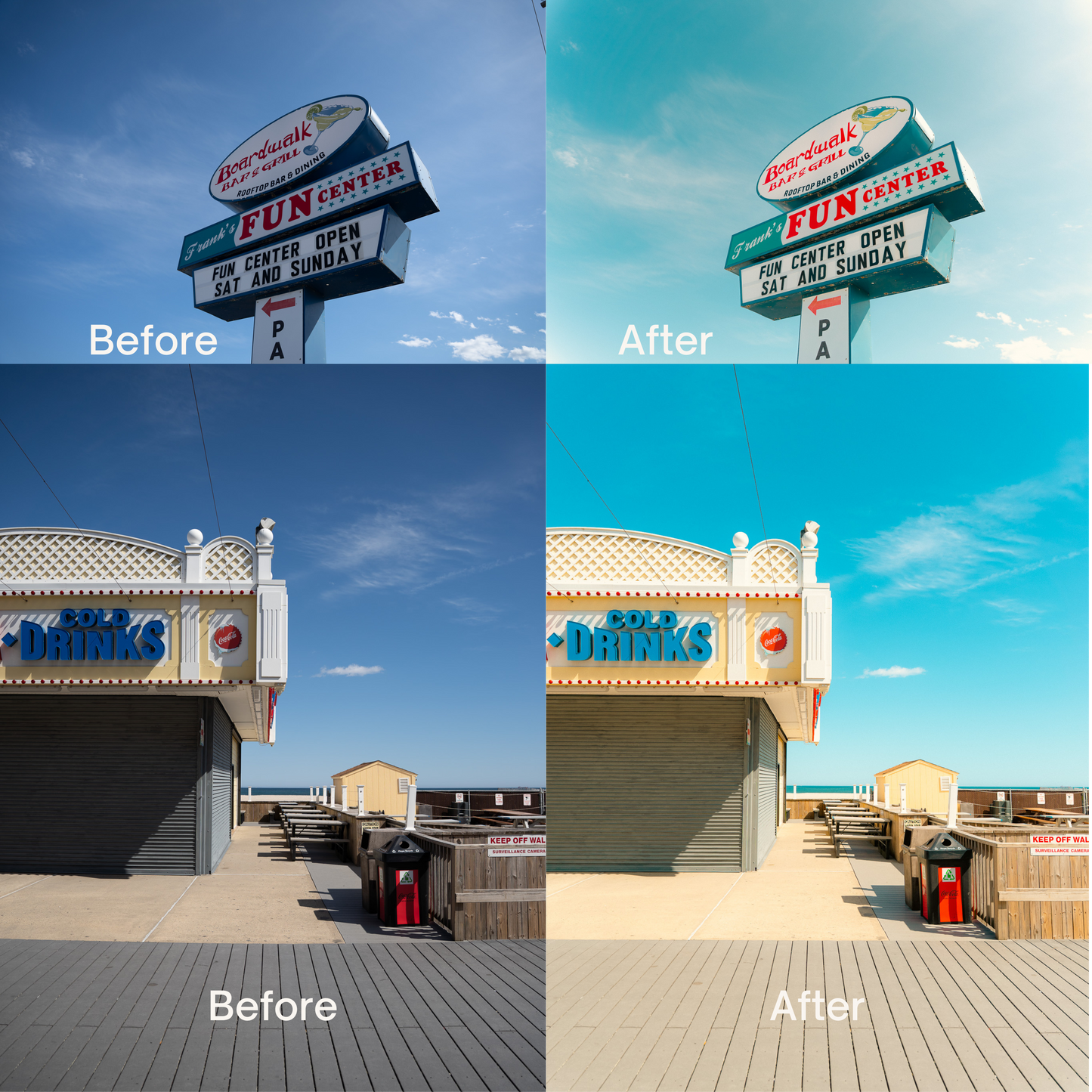
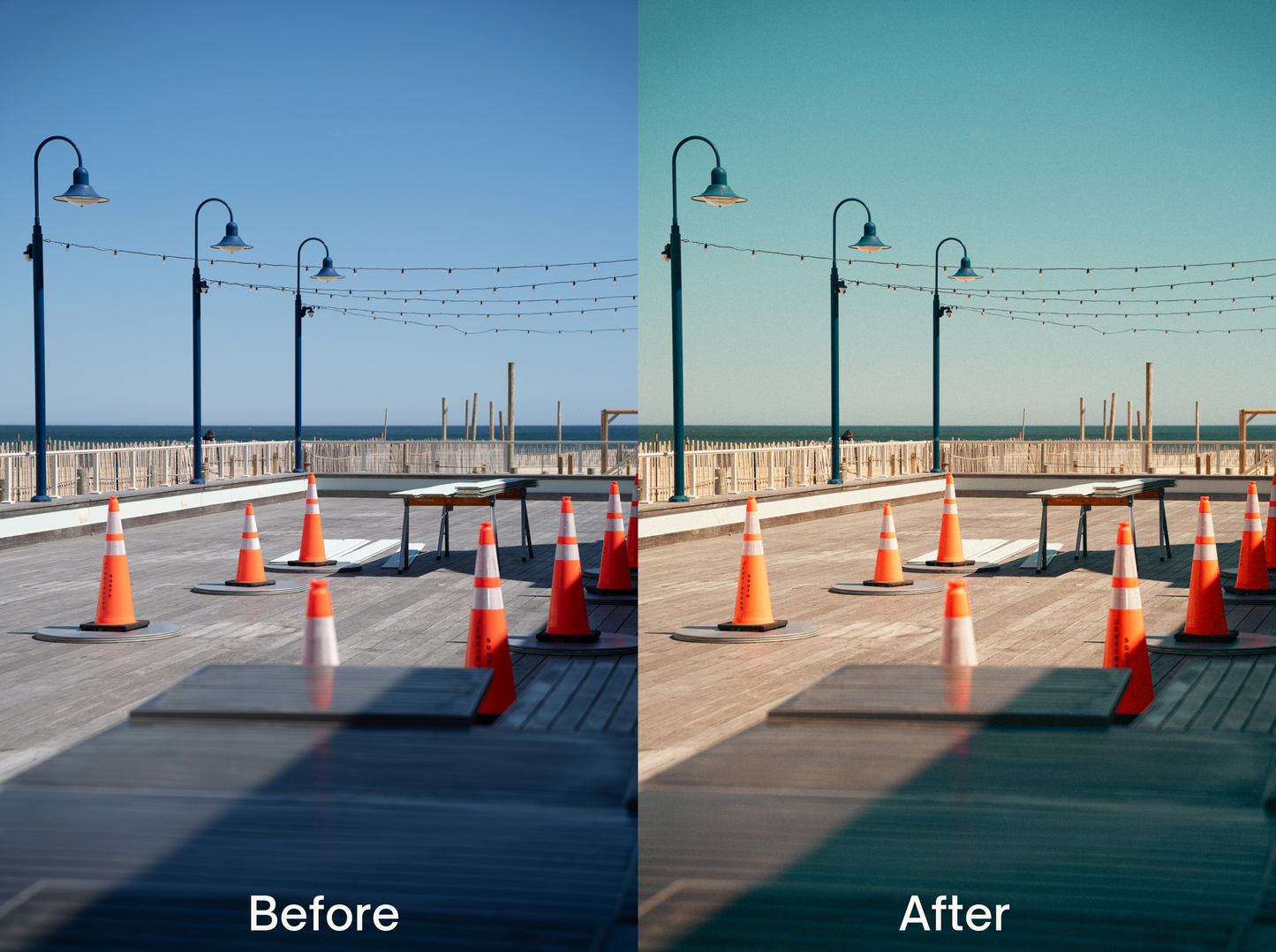
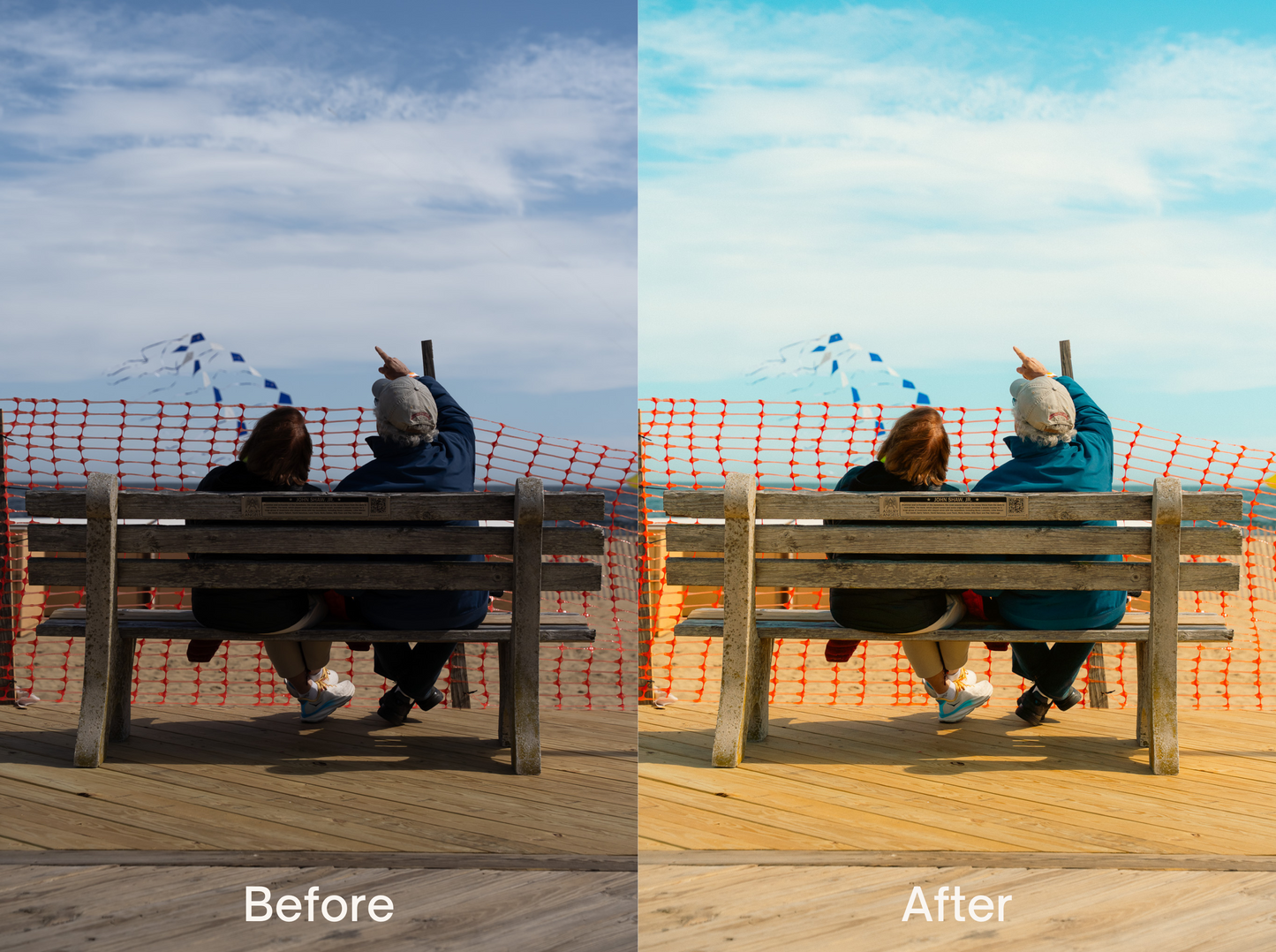
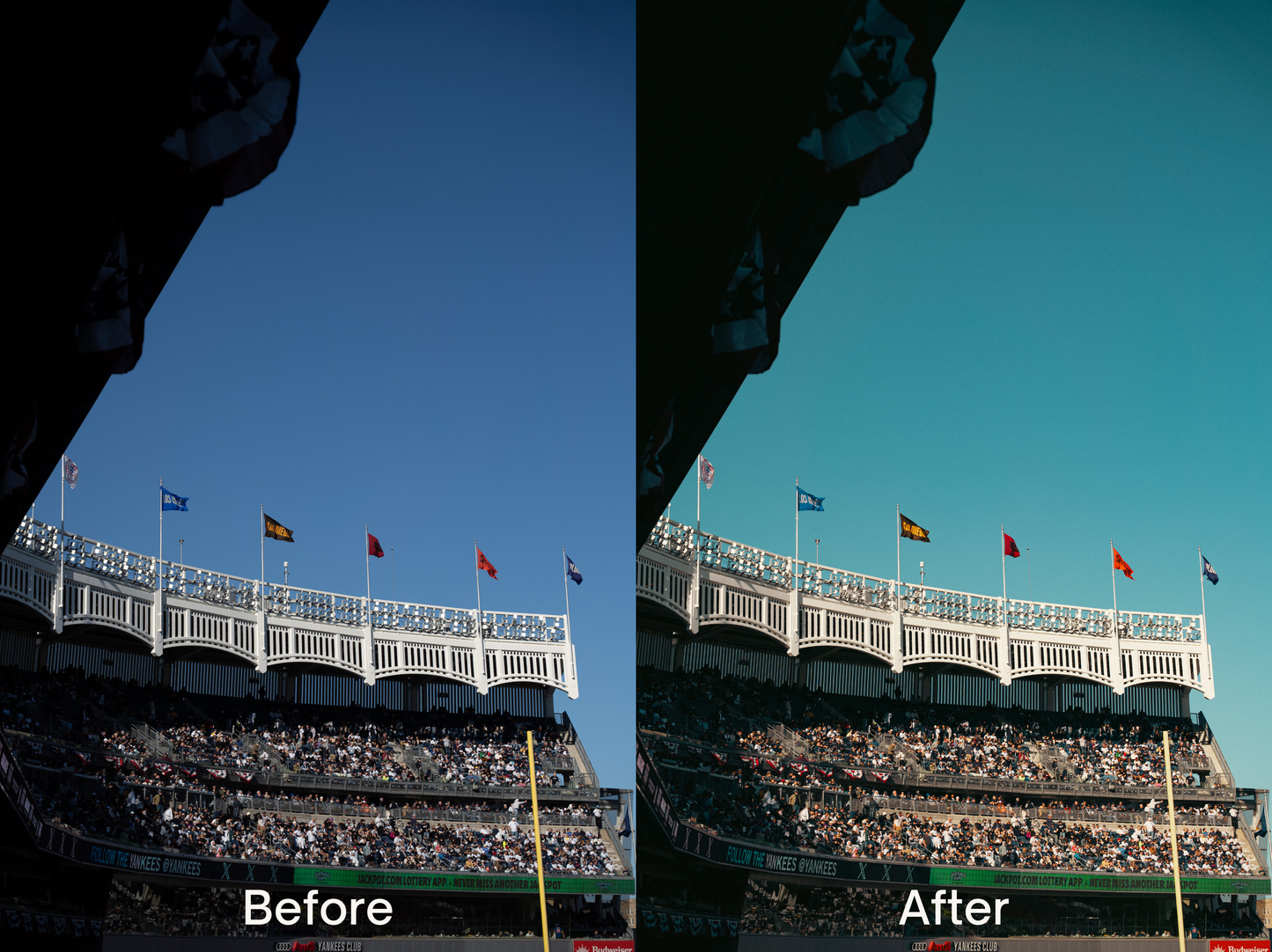
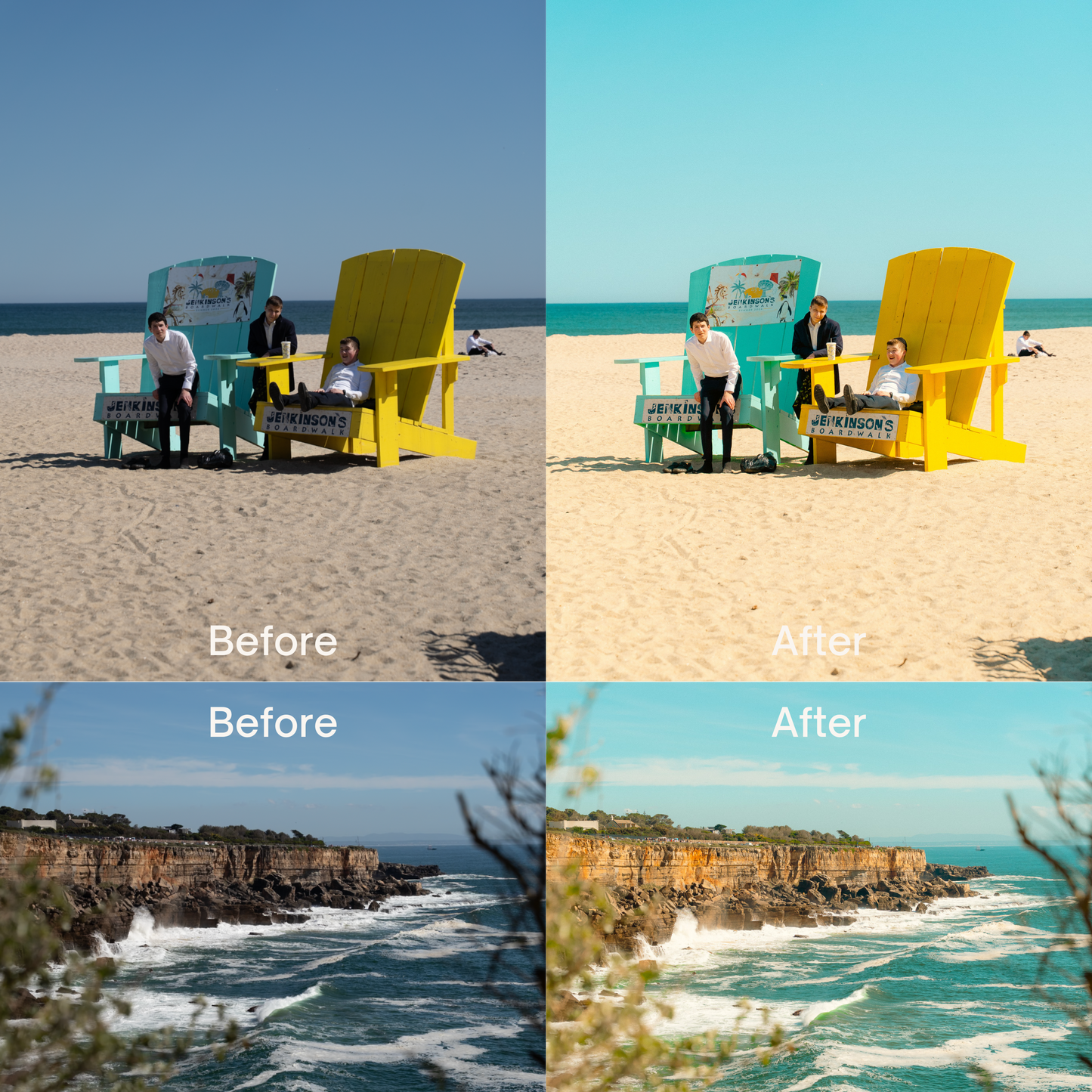
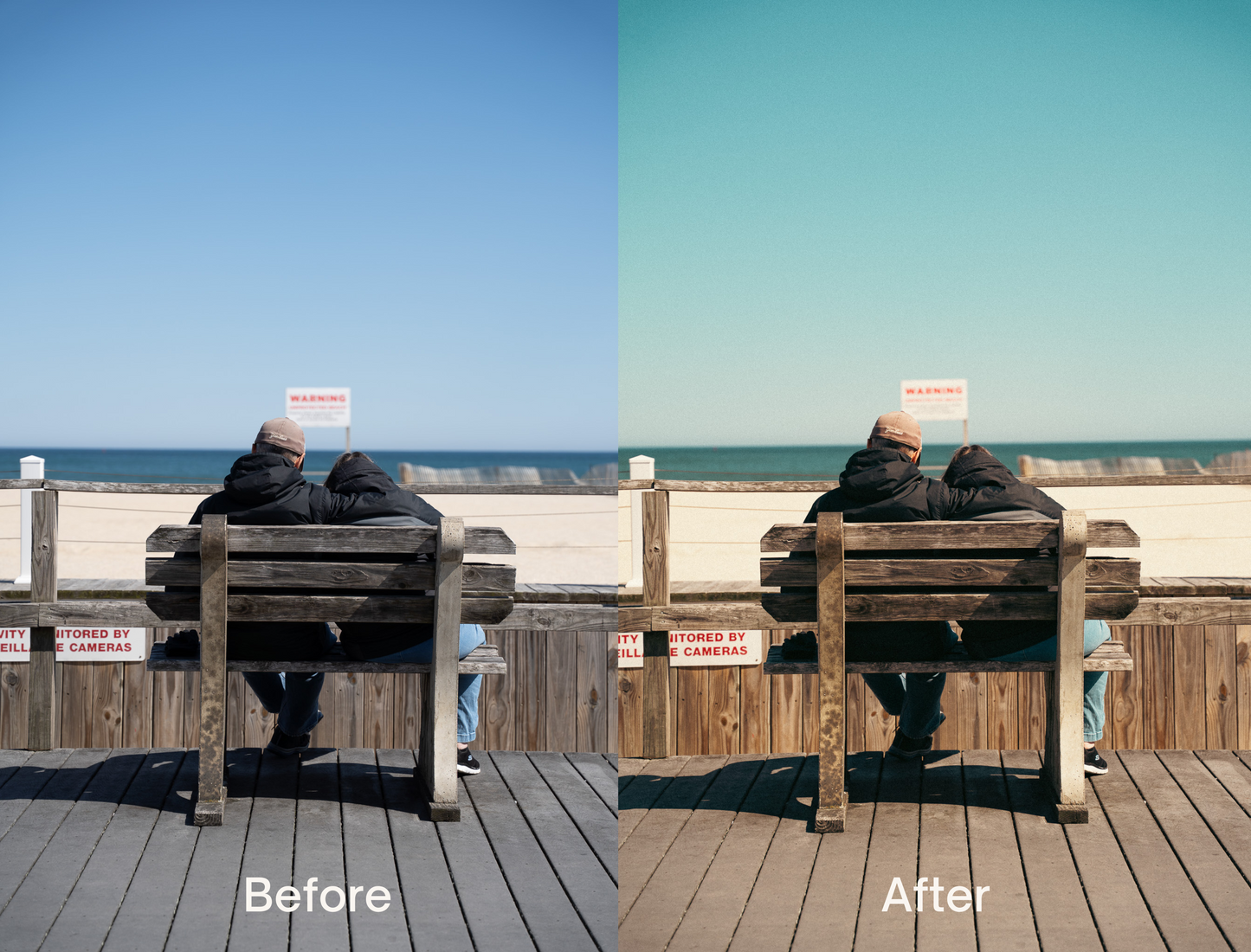
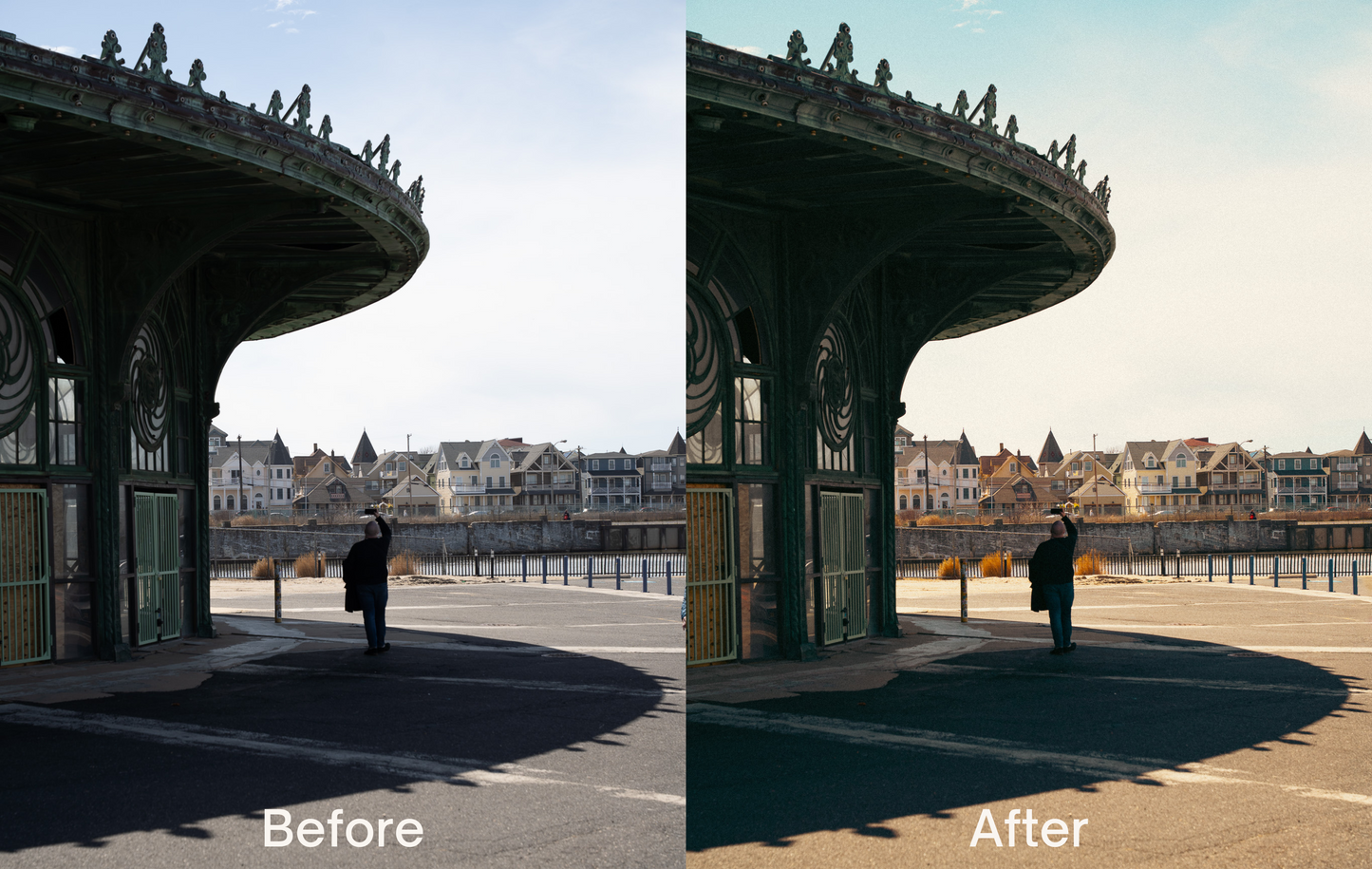
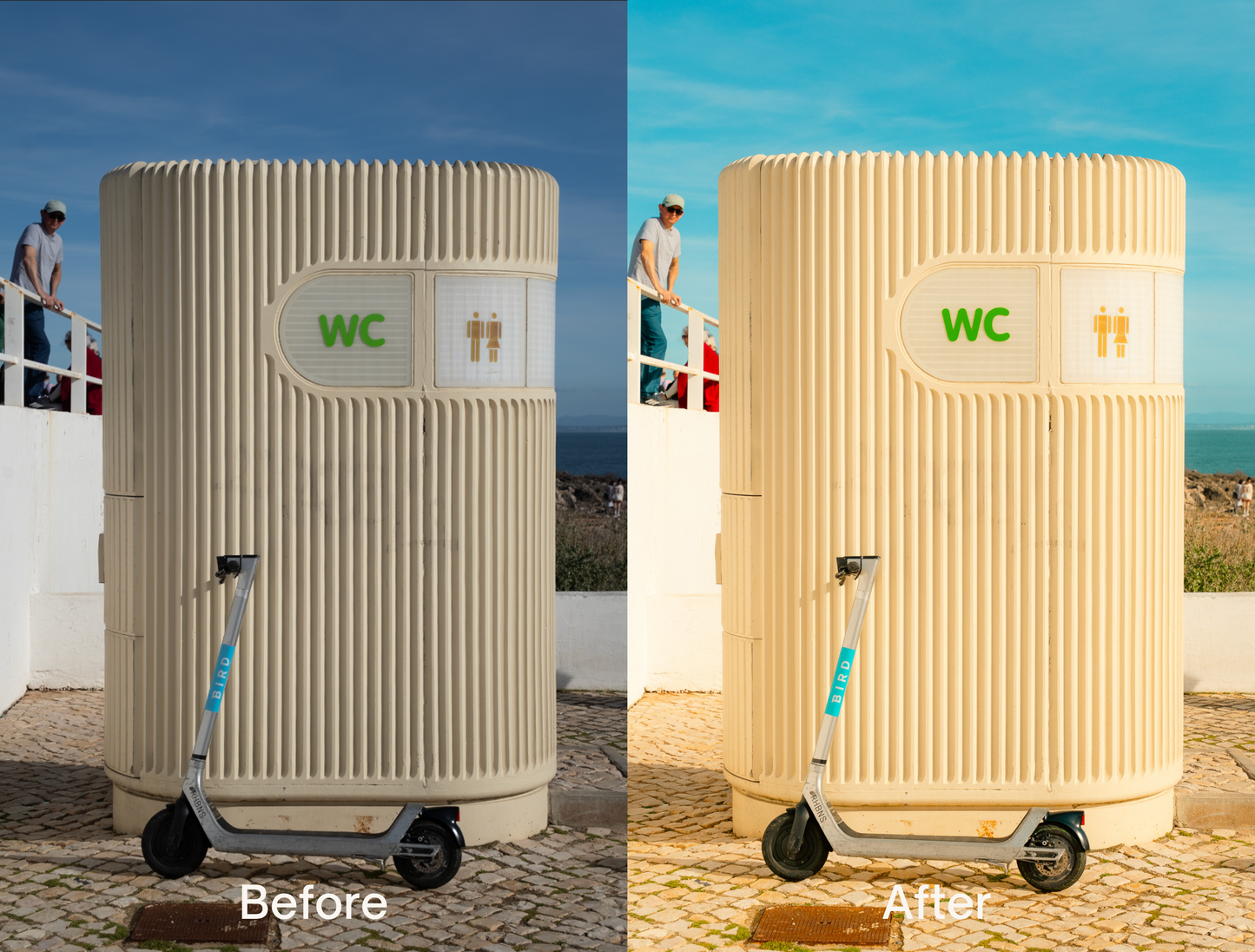
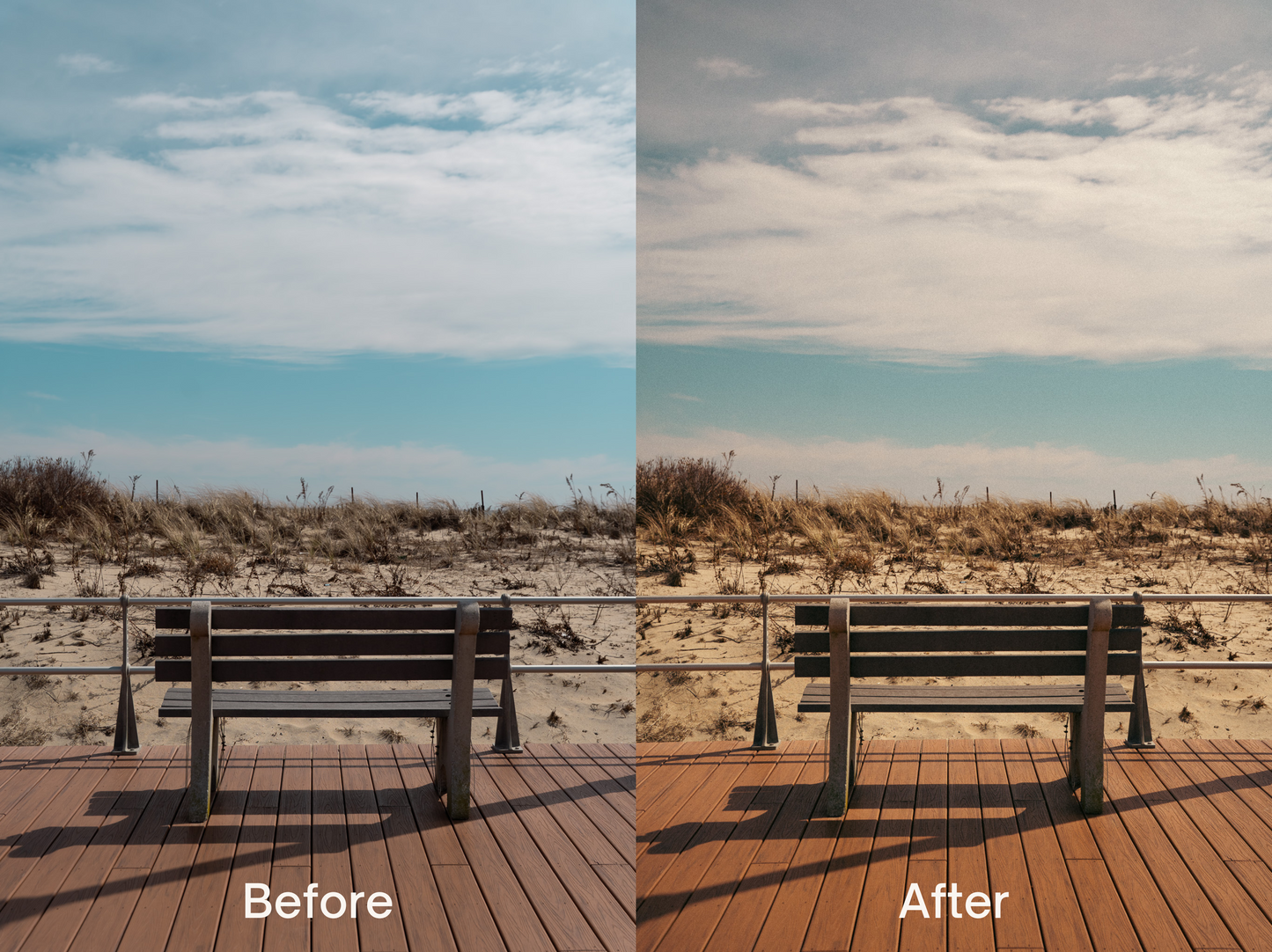
If you want to give your photos a dreamy, colorful and nostalgic film look, then you're in the right place.
This bundle combines my Nostalgic and Dream presets. These 15 included presets can be applied to nearly any photo for a beautiful result in one click.
Included with your purchase are 15 presets:
- Nostalgic (Cyan Sky Plus), Nostalgic (Punchy), Nostalgic (Vibrant), Nostalgic (Cool), Nostalgic (Warm) and the original Nostalgic.
- Dream (Cyan Sky Plus), Dream (Muted), Dream (Loud), Dream (Greens), Dream (White 1, 2 and 3), Dream (Vivid) and the original Dream.
Also included is a PDF with instructional information.
Notes:
- Can I use the presets in Lightroom Mobile?
Yes, presets can now be directly imported into the Lightroom Mobile app.
- How do I install the presets?
Desktop:
Open Lightroom on your desktop computer. If you do not have Lightroom installed on your desktop, please download from Adobe Creative Cloud.
Click File…Import Profiles for Lightroom…Select the Preset file (DREAM, VINTAGE SOFT, etc.) unzipped from your computer.
Once imported, look for the presets in the Presets section of Lightroom.
Mobile App:
Open your Lightroom Mobile App. Click on the Presets Section. Click on the three dots on the top right. Click Import Presets. Search and click on the downloaded preset file from your device’s folder.
Notes:
While these presets are fully capable of giving you polished results in one click, it doesn’t hurt to adjust some settings to your liking. Depending on your photo, I recommend starting first with adjusting the White Balance and then Exposure (I tend to underexpose while shooting and bring back exposure using my presets). These presets work best during bright, clear days with minimal atmospheres and blue skies. However, with some additional tweaks, they can be suitable for any photos.
It is highly recommended that you apply these presets to RAW images as opposed to JPGs. If applying to JPGs, try decreasing the overall preset amount after applying.
These presets were mainly created using Sony camera images so results may vary across other brands like Canon, Fuji (these presets can be too warm/orange for Fuji photos), Leica, etc.
Please reach out if you have any questions. Thanks for your support!